PDF research · 29 September 2026
Filling scanned PDFs: a hands-on comparison
Can you type an answer on a PDF that is just an image? Yes. We tested the same fictional form with and without a text layer, then checked the downloaded PDFs—not just the editors’ previews.
Who ran this? Rust Solutions Ltd, the operator of No Fuss PDF. We own one of the tools below. This is first-party comparative research, not an independent review or security audit. No provider paid for a placement; links are not affiliate links.
The useful finding
No Fuss PDF, SimplePDF, PDF24 and Smallpdf completed both forms. Their downloaded answers were visible and extractable as text. A source PDF does not need a text layer for a tool to add a new text layer over it. Scanned-form filling is not unique to No Fuss PDF.
If you only need to add answers, placing text over the page can be enough. OCR serves a different job: recognising the original scanned words so you can search, copy or edit them. These successful tests did not require an OCR step or converting the form to Word.
Fill your PDF Or try SimplePDF or Smallpdf. Choose based on your task and privacy requirements, not this small test alone.
What we actually completed
“Verified” means we saved the actual output, reopened it with a separate PDF parser and Poppler, extracted the exact answer, and visually checked the page. “Incomplete” means our browser test did not complete. It does not mean the product cannot fill that form.
| Tool | Flat form | Image-only form | What the evidence says |
|---|---|---|---|
| No Fuss PDF (our tool) | Verified | Verified | No account or payment requested. Selectable answer; original page size preserved. |
| SimplePDF | Verified | Verified | No account or payment requested. Selectable answer; original page size preserved. |
| Smallpdf | Verified | Verified | No account or payment requested. Selectable answer; original page size preserved. A toolbar variant required an adapter retry. |
| PDF24 | Verified | Verified | No account or payment requested. Selectable answer; original page size preserved. Download was in an embedded result frame. |
| Sejda | Incomplete | Incomplete | Text entered and Apply changes reached “Your document is ready”; our download interaction was incomplete. |
| PDFescape | Incomplete | Not tested | A session-timeout screen led to the unregistered editor. The form was selected, but this run did not finish opening/editing it. |
There is no overall winner or numerical score. Two simple fixtures cannot rank whole products. We have not established free daily allowances, complex-form compatibility, mobile performance or every provider’s privacy behaviour.
Inspect the completed PDFs
All verified results had one page, measuring 600 × 480 PDF points, with zero page rotation. We saw the answer beside Name and no added watermark on those pages. Font appearance and output file size differed; we did not force a common font or measure speed.
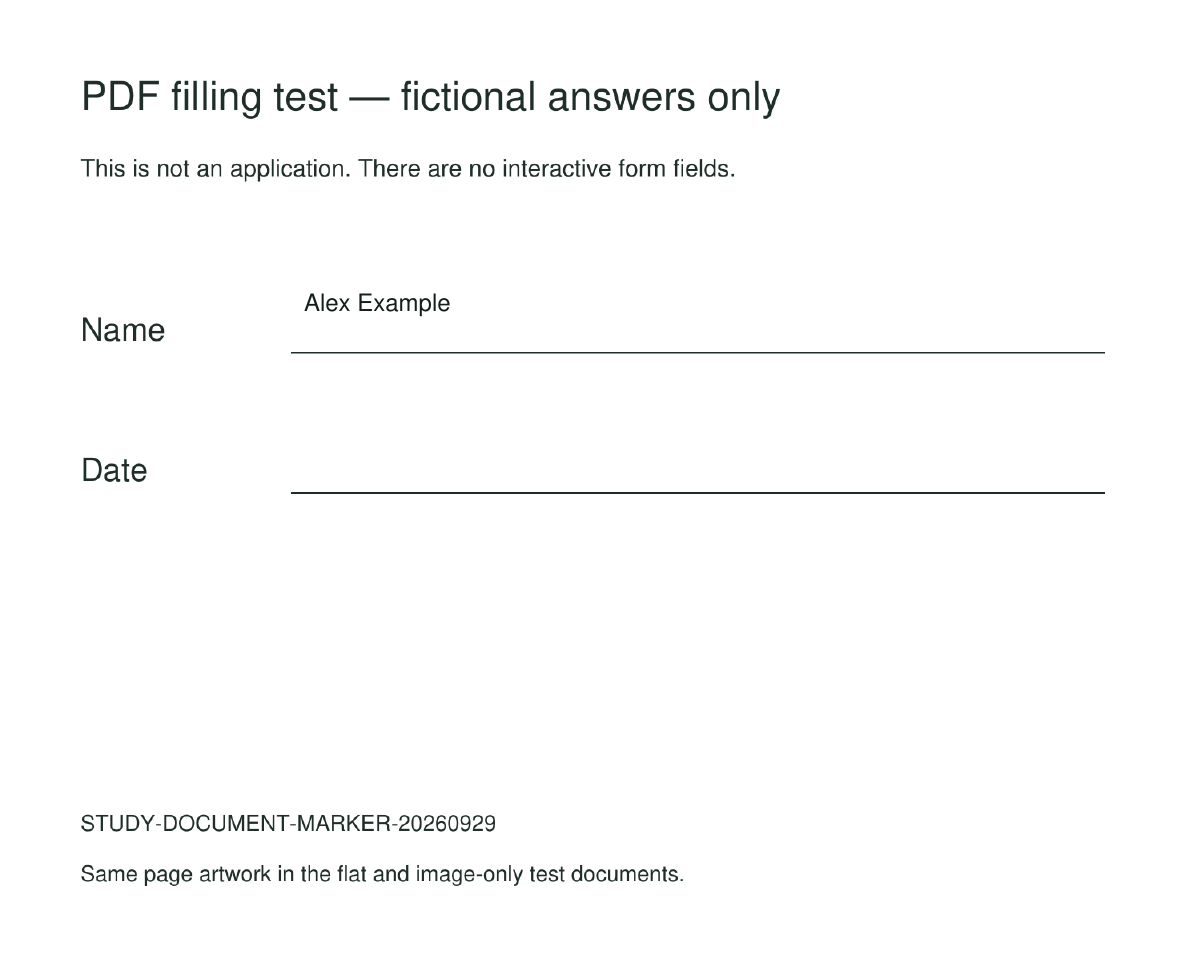
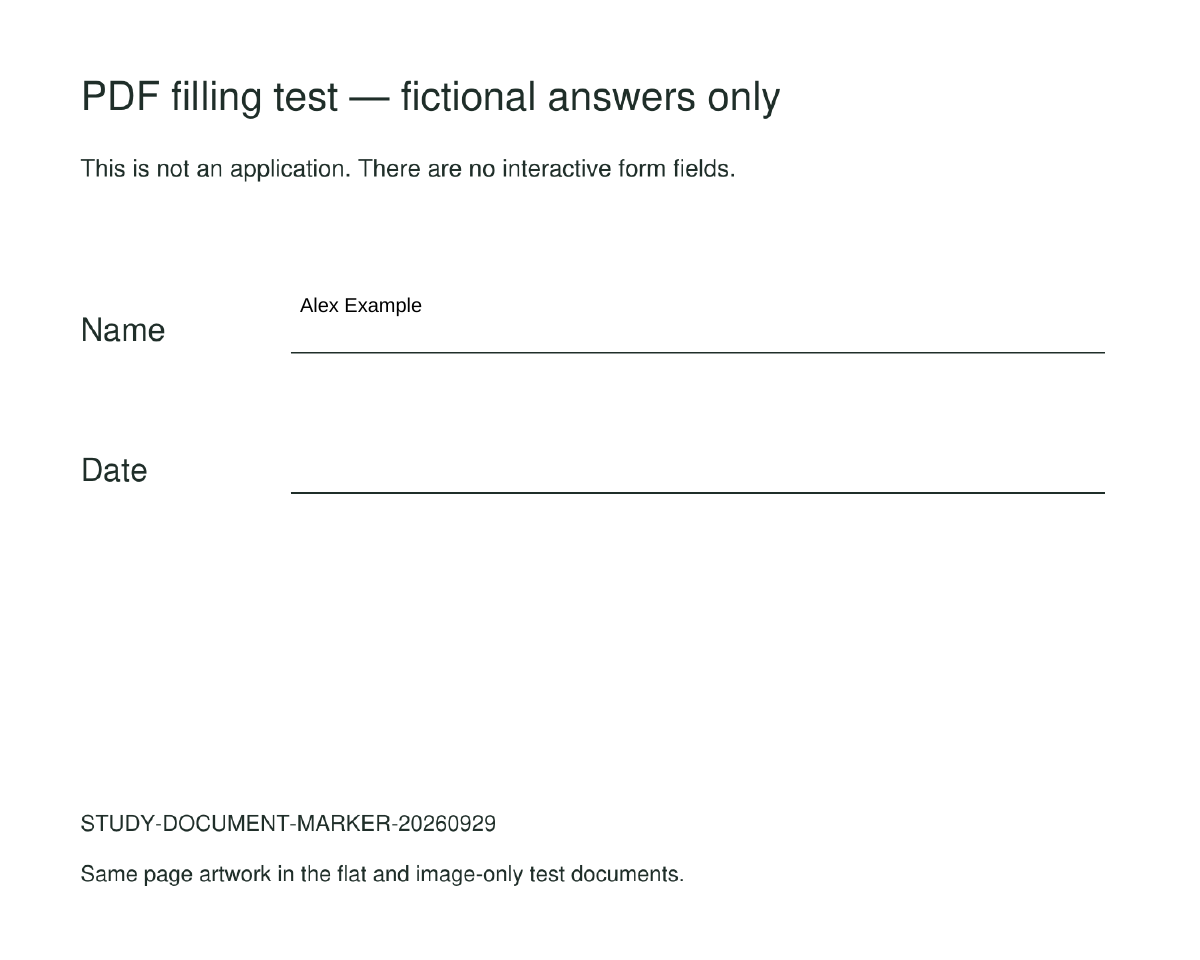
- No Fuss PDF: flat-form PDF (2,662 bytes); scanned result above (46,564 bytes).
- SimplePDF: flat-form PDF (31,857 bytes); scanned result above (76,084 bytes).
- Smallpdf: flat-form PDF (4,631 bytes), scanned-form PDF (48,641 bytes) and rendered page.
- PDF24: flat-form PDF (6,307 bytes), scanned-form PDF (50,527 bytes) and rendered page.
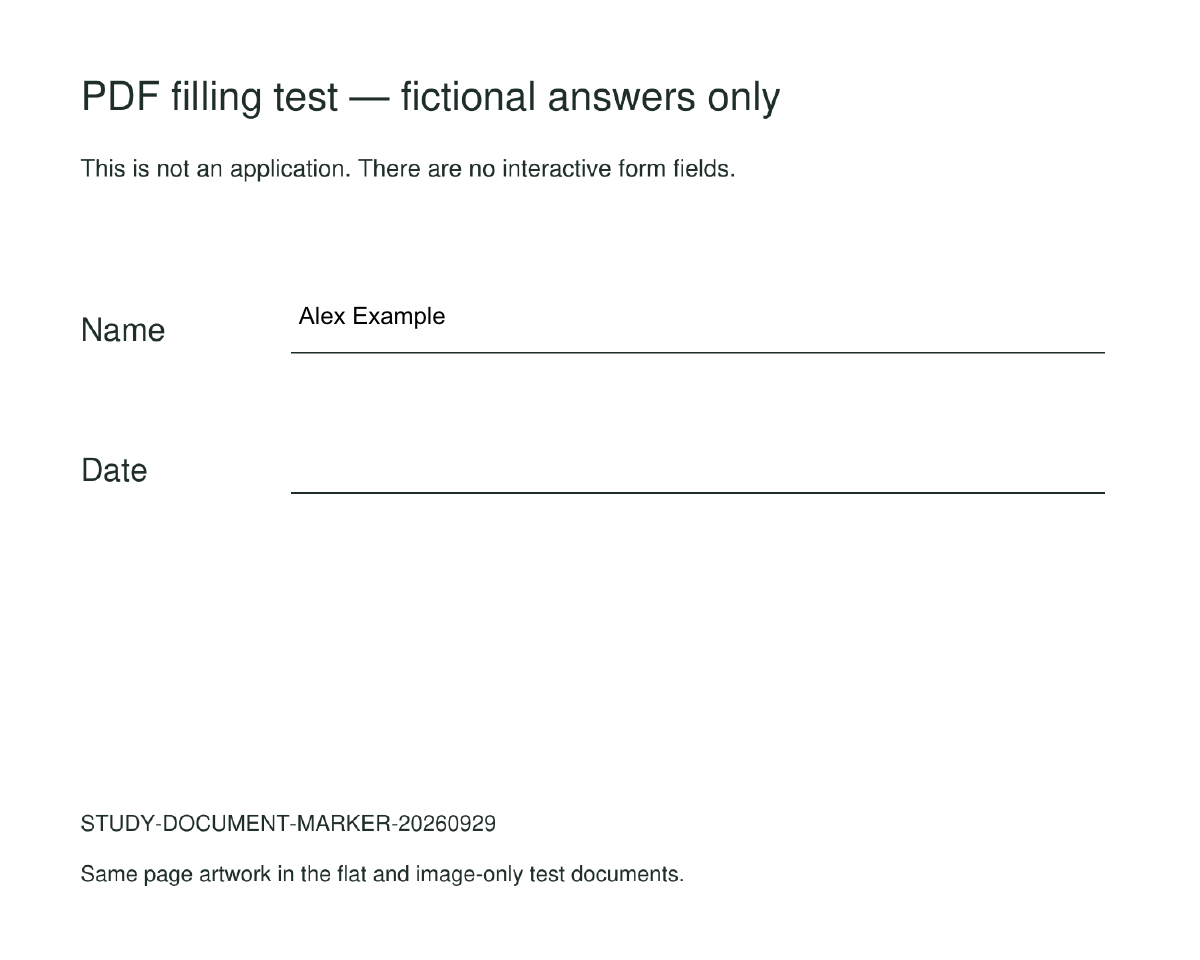
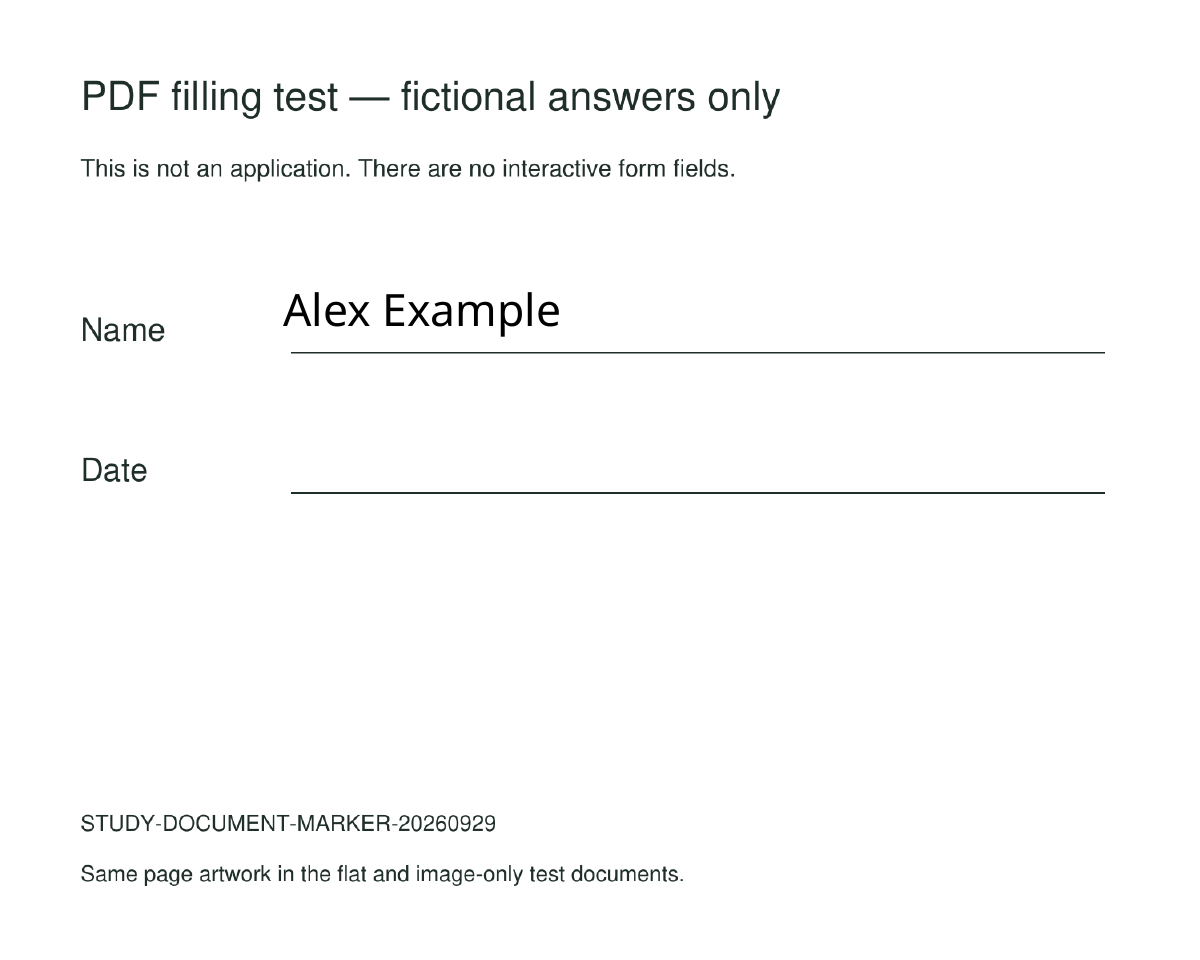
These are synthetic examples, not customer documents. Exact input and output SHA-256 hashes, byte counts, browser version, timestamps and unknown outcomes are in the machine-readable results.
Method you can reproduce
- Use two one-page PDFs with identical artwork and no interactive form fields. The flat version contains ordinary PDF text; the scanned version contains only an image. Poppler text extraction confirms the scan starts with no text layer.
- Open each public editor signed out, in a fresh browser context at 1440 × 1000. Select the same file and add the fictional answer Alex Example beside Name. Reject optional cookies through the available controls.
- Download through the normal editor interface. Do not bypass account gates, payment, CAPTCHA or service limits. Browser-control failures are unknown results.
- Reopen each downloaded file with
pdf-liband Poppler’spdfinfo. Check page count, dimensions and rotation. Runpdftotextfor the answer, thenpdftoppmand inspect the rendered page for placement, legibility and a watermark.
The method was recorded before comparative exports, in repository commit f18e843 on 29 September 2026. The repository is private; that commit reference is a local chronology record, not independent preregistration. UI-adapter retries are described in the public evidence README. No timing claims are made: rendering waits were for automation stability.
We collected request-host observations, but did not score tools as “local” or “uploading” from this capture. Browser APIs can omit multipart upload contents, and encrypted, encoded or transformed content can evade simple marker checks. An absence of detected bytes is not proof that a document stayed on the device.
The scope is deliberately narrow: two small English-language fixtures, one answer, one browser engine and one date. It does not test OCR accuracy, interactive AcroForm/XFA behaviour, encrypted files, signatures, accessibility, hostile PDFs, large documents or every character set. Filling a visible answer does not prove a recipient will accept the form.
Reuse the test forms and harness
Reviewers and developers can repeat this test or use the forms in their own compatibility suite. The fixtures are dedicated to the public domain under CC0; the two standalone scripts are MIT-licensed. That does not license the No Fuss PDF application or competitors’ software.
- Blank flat form (2,089 bytes).
- Blank image-only form (45,991 bytes).
- Fixture manifest and hashes.
- Original protocol and reproduction instructions and deviations.
- Browser harness, fixture generator and licence terms.
What to do with your own scanned form
If it opens correctly and you just need visible answers, try a text-overlay filler. If you need to search the original scan or turn it into editable source text, choose an OCR workflow instead. If the document is restricted, request an accessible copy from its owner rather than removing protections. For official submissions, check the recipient’s requirements and inspect your final downloaded PDF.
Fill a PDF here · Compare broader features and provider claims · Our privacy policy
Corrections and further tests
A useful correction includes the tool, date, steps and a synthetic example. The incomplete runs need better browser adapters before any capability verdict is justified. Later retests will be distinguished from this dated snapshot rather than silently rewriting the evidence.